
The Duplin County Court Calendar
Two official sources publish public dates for Duplin cases. One is the North Carolina eCourts Portal Search Hearings tool. The other is the Judicial Branch's county-filtered civil and criminal calendar results. The two work best side by side. Portal lets you search scheduled hearings through several filters. These include location, hearing category, search type, matching case or party information, and a required From and To date range. The calendar pages, meanwhile, publish the county's calendar materials in one place. Neither one outranks the court's own notice or the Clerk's confirmation when a setting truly matters.
Bring the file number every time you check. A bare name can pull up several cases across a statewide system. When an entry names a hearing but leaves the question open, open the public Case Summary. Then read the events around it. Published materials change. A case can be continued or reset even when the parties still recognize the original setting.
Duplin Civil Calendar Results
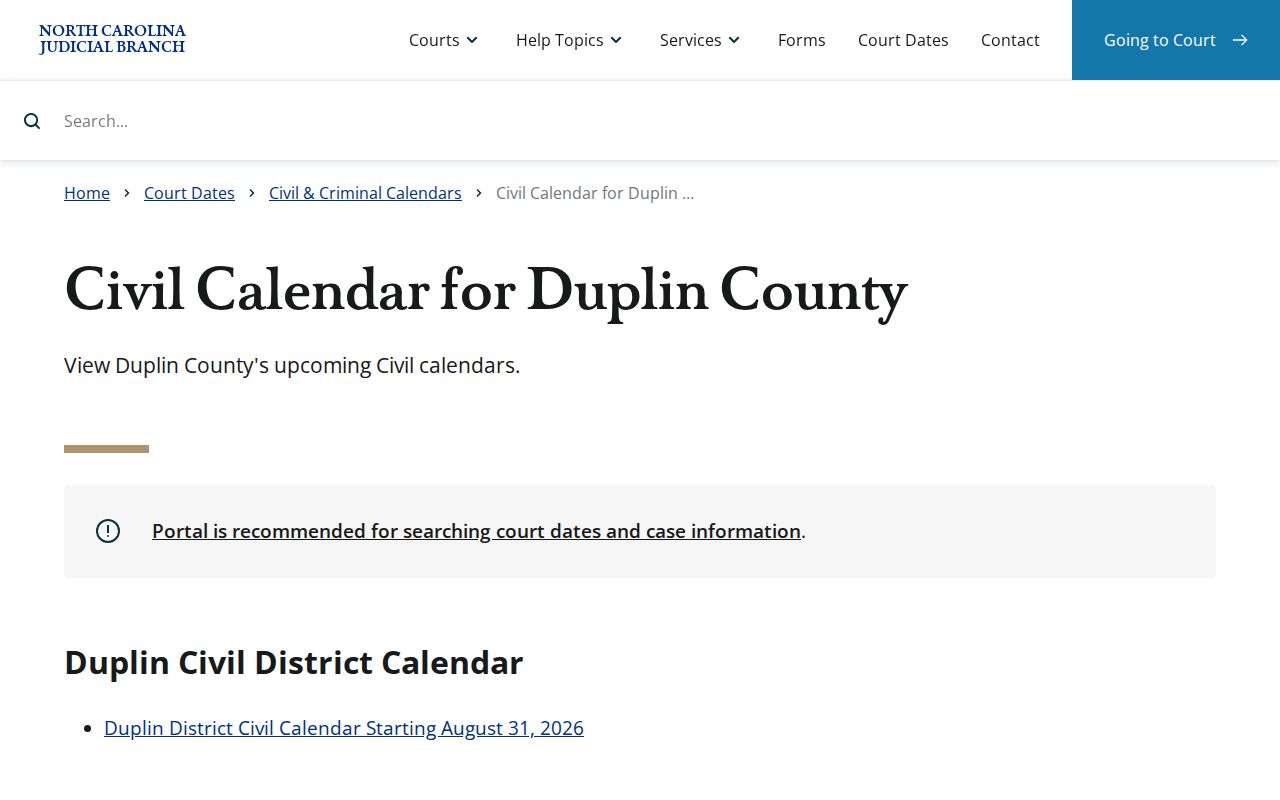
For civil settings, the official Duplin civil calendar is the direct county-filtered route. Pair it with a Portal hearing search. That helps whenever you have a case number or party name in a public civil matter. Where a case lands depends on many things. The civil calendar reflects the case division, its age, filings, local case-management rules, a request form, motion or trial lead time, continuances, and the current calendar. Placement is not a promise that a requested session was granted.
Use it as a final check before you travel. Still, the displayed order is not always the calling order. Court staff decide how matters get called in the session. Is your courtroom unclear? Maybe your matter is missing from the current listing. Either way, ask the Clerk for the right civil calendar contact. The civil calendar results interface is one of the official published-setting channels for Duplin.
Check the published civil calendar material again close to the date, especially after a motion, continuance request, or new court notice lands on the Duplin case docket.
How to Find Your Court Date
Work the public channels in an order that keeps the case context intact. Portal handles case and hearing searches. The county-filtered calendar pages carry the official civil and criminal publication route. Need something in person? The Duplin Clerk's counter and public-access terminal fill gaps. Turn to them when the online record runs thin, an older case needs help, or a courtroom requires confirmation. A phone call suits routing and current procedure, not legal advice.
- Find the case number or citation number on the notice, filing, or confirmed public record.
- Use Portal Search Hearings, select Duplin, choose a supported search type, and enter both dates in the required range.
- Check the civil calendar or criminal calendar that matches the case.
- Call 910-275-7000 or visit the Clerk’s office if the setting, division, or courtroom remains unclear.
- For permitted written requests or court correspondence, use the Clerk mailing address, P.O. Box 189, Kenansville, NC 28349, and follow the applicable current form or payment instructions.
File & Serve is the eFiling channel for participants in eCourts matters. It is not a public calendar-search tool, and asking to set a case is different from checking a date already set.
Duplin Hearing Search Fields
Portal Search Hearings needs the Duplin location and a date range. The search type you pick controls which identifying field must be filled in. Keep the range narrow. Then compare any result against the case number, hearing category, courtroom, and current case events. Results can be sorted. Sorting is only a view. No sort takes over the Clerk's control of the actual calendar call.
| Portal hearing field | What to provide | Why it matters |
|---|---|---|
| Select Location | Duplin | Portal is statewide, so county confirmation is essential. |
| Hearing Type | Civil, Criminal, Family, Probate, Mental Health, or all types where appropriate | The category narrows the kind of scheduled hearing, not public access to every record. |
| Search Type | Case number, party, business, attorney, judicial officer, or courtroom | The required matching field changes with the selected search type. |
| Date From and Date To | Both ends of the date range | Both dates are required in the documented workflow. |
Reading a Court Setting
A court setting is a scheduling entry, nothing more. It may show a date, time, location, courtroom, judicial officer, hearing type, or calendar category. It will not tell you the order the court will use. It says nothing about the merits. It will not say whether the case ends that day. Read every setting next to the public Register of Actions and the current calendar document.
| Date and time | When the matter is set to be heard. Recheck close to the date because a setting may move. |
|---|---|
| Courtroom | The listed room or court location when the current source provides one. Confirm changes with the Clerk. |
| Judicial officer | A judge or other judicial assignment that can be a Portal search criterion but may change. |
| Hearing type | The kind of scheduled event, such as civil, criminal, family, probate, or another category shown by the source. |
| Case number | The strongest link between the calendar entry and the individual Duplin court docket. |
Duplin Calendar Request Timelines
Calendar-request forms belong to parties and attorneys. They are for people seeking a setting, not for someone who just needs to find a date. The District Five Superior Court request form asks plenty. It wants the file number, parties and counsel, request type, requested session, time estimate, assigned judge if any, agreement status, contact information, and proof that the other side was copied. Trial files are due at least 31 days before the session. Motions are due at least 12 days before.
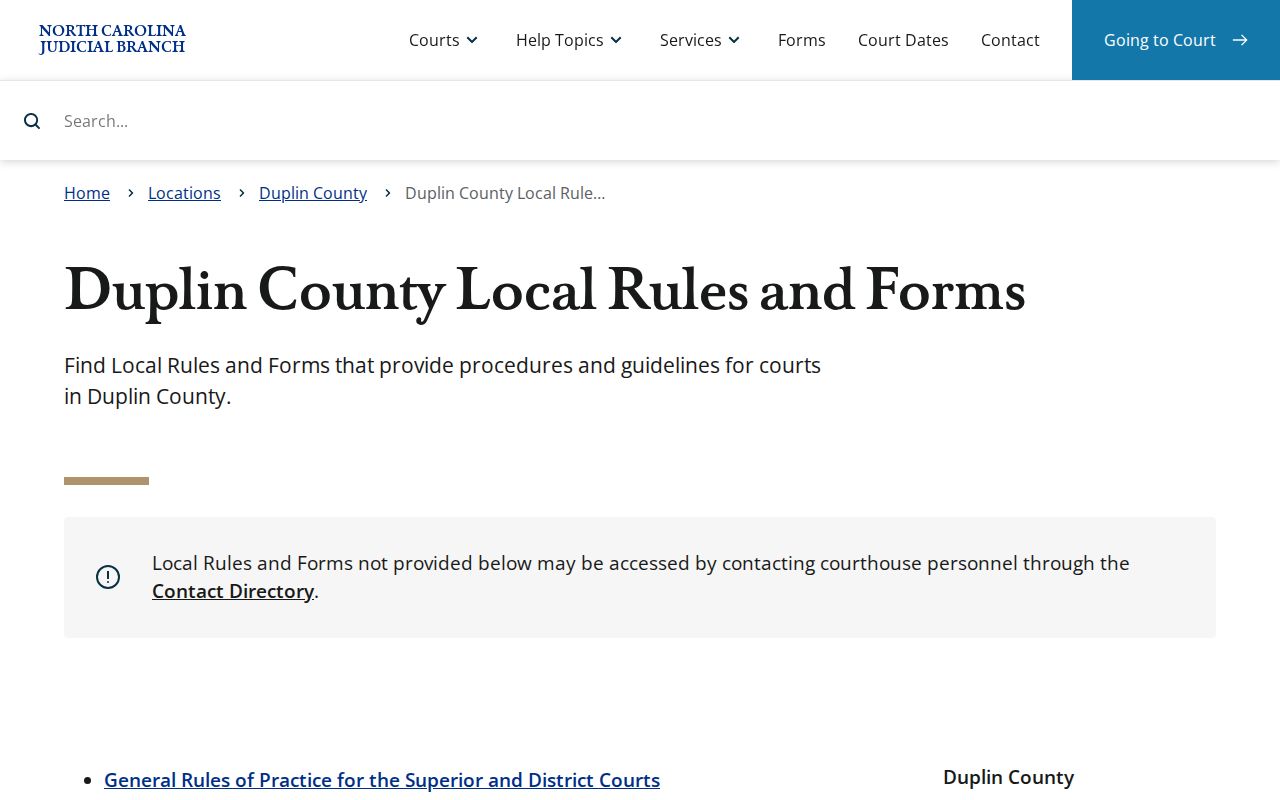
Duplin's local civil District Court form has separate prompts for civil and domestic matters. It sets trial requests at least five weeks ahead. Motion requests get at least 12 days. The posted civil case-management rules add a four-week lead for final trial calendars. Treat all of these as procedural timeframes, not promised hearing dates. Start with the Duplin local rules and forms page. It is the official starting point for current request materials.
Follow the current form's own directions for submission details and contacts. Even a completed request must clear the court's calendar process before it becomes a confirmed setting.
Resets, Continuances, and Cancellations
Calendars shift, and that is normal court business. A setting can be continued, reset, canceled, or moved to a different courtroom. Civil rules cover continuances, inactive cases, and how the calendar gets built. Criminal and traffic settings move around just as much. So a changed line never means the case vanished. It also does not mean the case ended. Pull up the public Case Summary and look for a later event there. Compare the current published calendar, and ask the Clerk when you need a setting confirmed.
There is a second trap here. A requested setting is not the same as a granted one. A party can file a Superior or District calendar request with everything the form requires. The court's calendar process still decides whether and when it lands. Trust the combination instead: docket events, the calendar entry, and a confirmation from the Clerk. Note: A court date can change after publication. Run a fresh Portal and calendar check before you travel or appear.
Duplin Courtroom Order Checks
Calendar order and calling order are two different things. A posted hearing result may sort one way, and a published calendar can list many cases for one session. The Clerk still controls the actual call. Expect a setting to be held, continued, moved, or reached far from its spot on the page. Courthouse staff can point you to the right office for a current procedural question. They cannot give legal advice on strategy or outcome.
- Setting
- A scheduled court event, not a final disposition.
- Continuance
- A postponement of a matter that can create a new date or later docket entry.
- Calendar call
- The court’s management of matters during a session, which may differ from a displayed order.
- Case Summary
- Portal’s display of the Register of Actions and available case information.
What To Do If You Miss a Setting
Missed a setting in Duplin County? Call the Clerk right away. The right fix depends on the case type, the court division, why you were absent, and what the docket shows now. Sometimes the Clerk can find a new date or name the correct office. Other times a judge has to act. Never assume a reset or continuance will be granted, and never let an old calendar entry answer the question for you.
Act on current information: Check the case docket and current calendar, then contact the Duplin Clerk at 910-275-7000 for the appropriate procedural route. A missed setting can have case-specific consequences.
Duplin Clerk Calendar Help
The Duplin Clerk's office handles the local legwork. It routes public case questions. It provides courthouse-terminal access and handles document and docket-copy procedure. It also answers calendar questions that the official online sources leave open. The Clerk holds the trial-court records for Superior and District matters. Bring your case or citation number. Name the division if you know it. Then ask which calendar or court office controls the setting. The terminal helps when a public case is hard to find online.
Duplin County Clerk of Superior Court
Duplin County Courthouse
112 Duplin St.
Kenansville, NC 28349
Mail: P.O. Box 189, Kenansville, NC 28349
Weekdays, 8:30 a.m. to 5:00 p.m.
910-275-7000
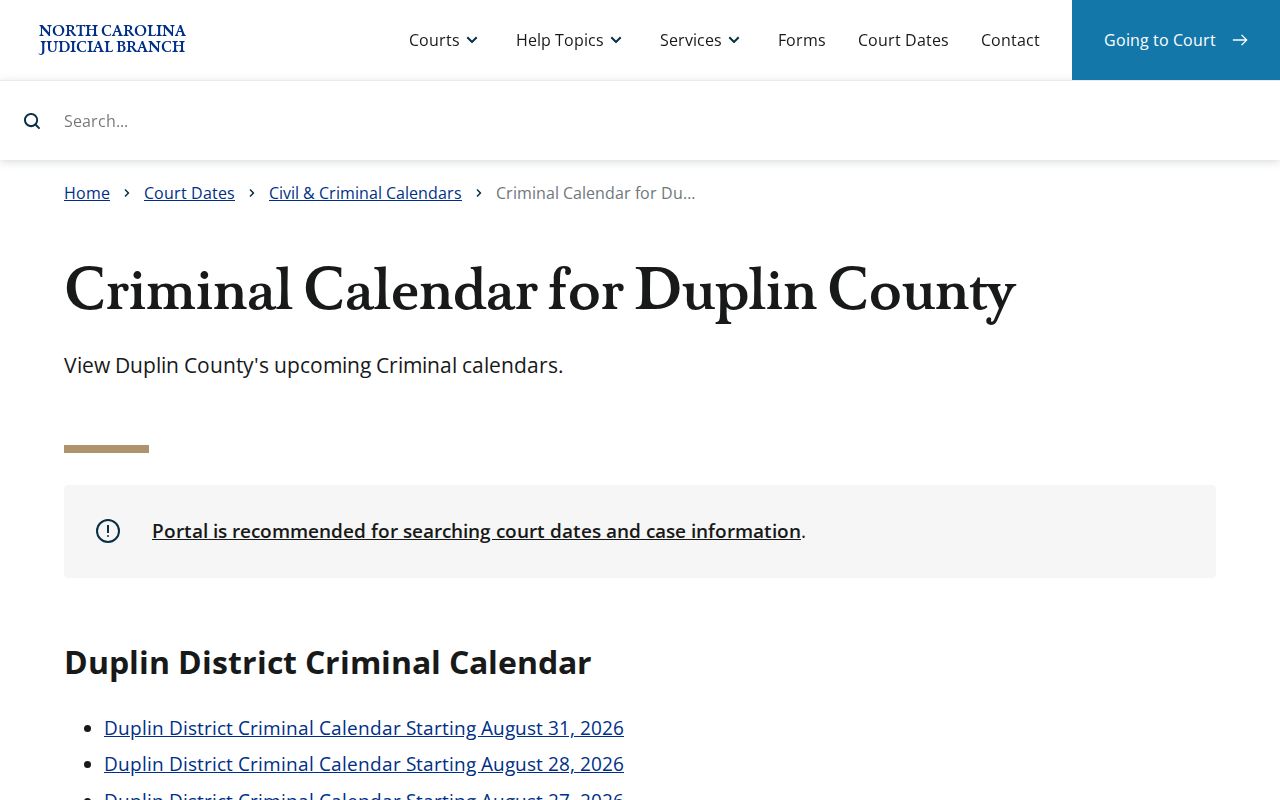
For criminal and traffic-related court matters, the official Duplin criminal calendar is where published settings appear.
Check the applicable official instructions before mailing anything. Use the mailing address for permitted court correspondence or payment only. The Clerk counter, the Portal, and the two official calendars are separate channels, and they work best when you check all of them together.